Your design looks great. But will it print?
Drop your file. See what's wrong in seconds — fix it in one click. No Photoshop. No design degree.
Upload FileFree account · No credit card · 15 Fix All runs a month
Made for people who print
It looks perfect on your screen. Your printer sees something else.
Half the files a print shop gets are unusable as sent — and the screen never shows it. Drag the slider to see what actually hits the fabric.
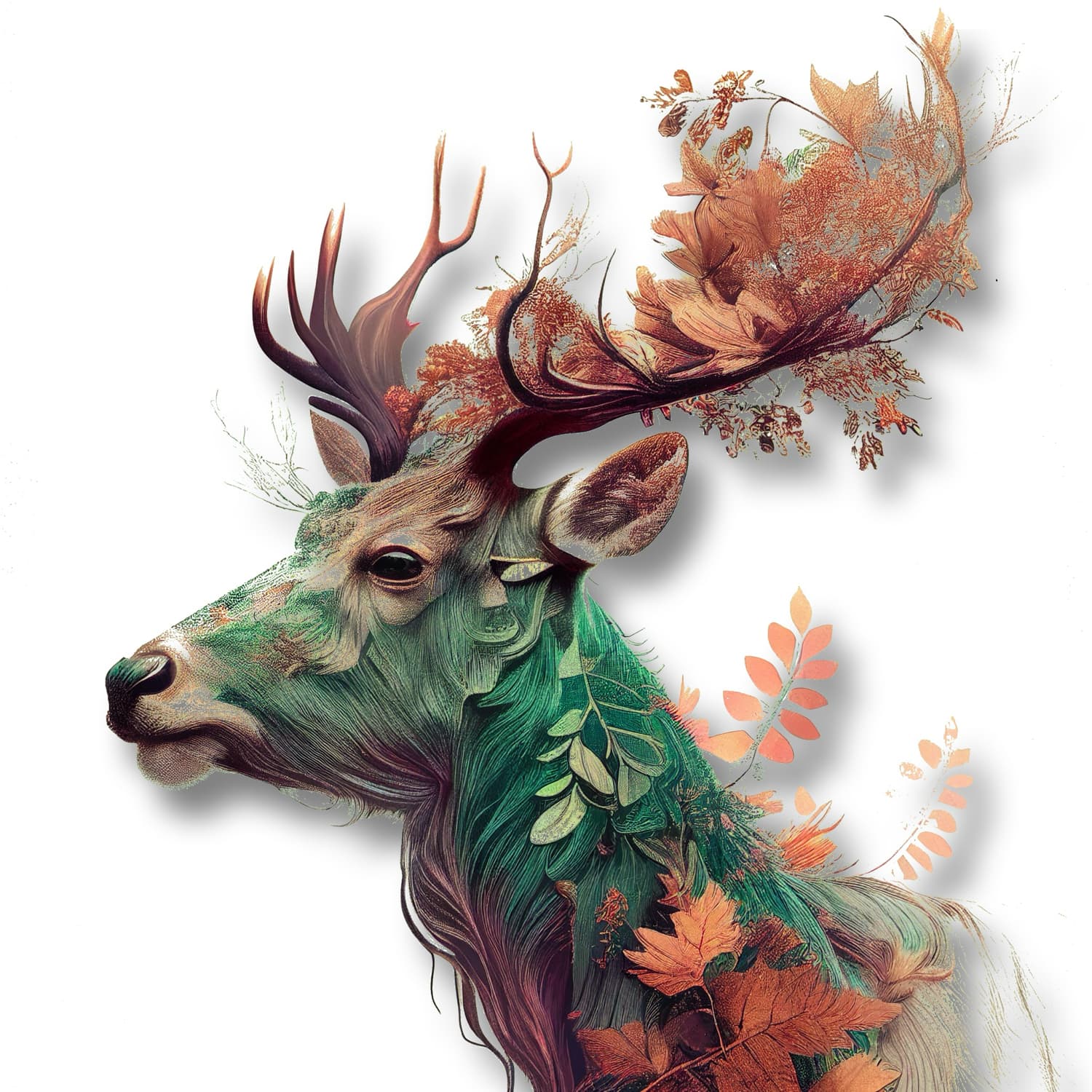
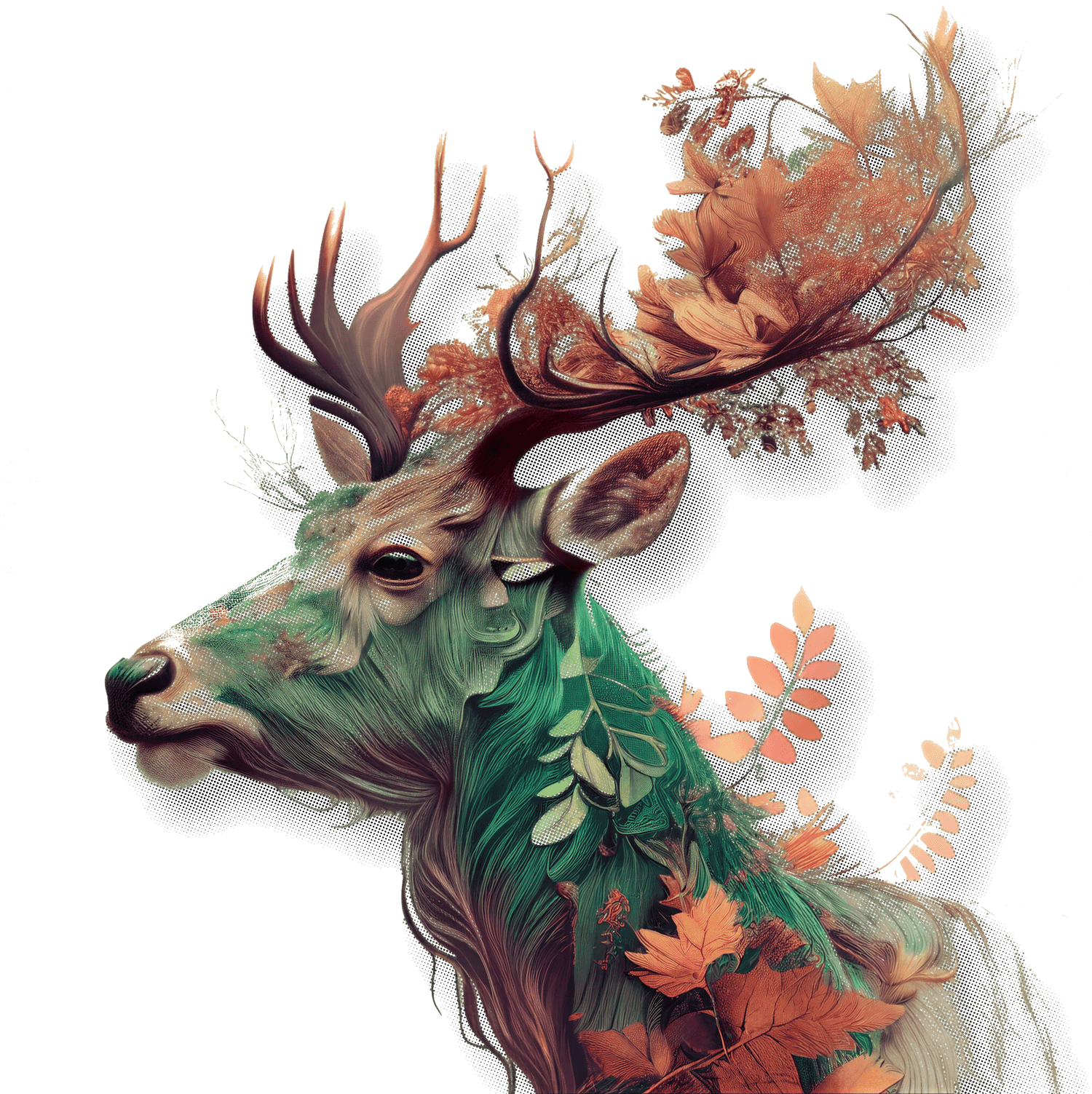
The press builds every fade from solid dots. FLOW tunes the dots so yours print clean.
The same artwork — smooth drop shadows on screen, solid halftone dots on filmCheck your file →
Every tool. One tab. The whole prep job.
Everything your design needs to go from screen to print — and nothing it doesn't.
Ask it anything
Type what you need in plain English. No menus, no tutorials.
Remove backgrounds
Handles hair, soft edges, and complex cutouts. Every time.
Fix low resolution
Blurry → sharp at print size.
Swap any color
Change any color. No layers, no masks.
Export print-ready
Right format, right size, right clarity — for your exact print method.
Fix All — one click
Upscale, remove BG, clean edges, re-check. One button, full workflow.
Meet FLOW
Your print expert that never clocks out.
Every check, every fix, every recommendation comes from a deep knowledge of how print actually works — not just what looks good on a screen.
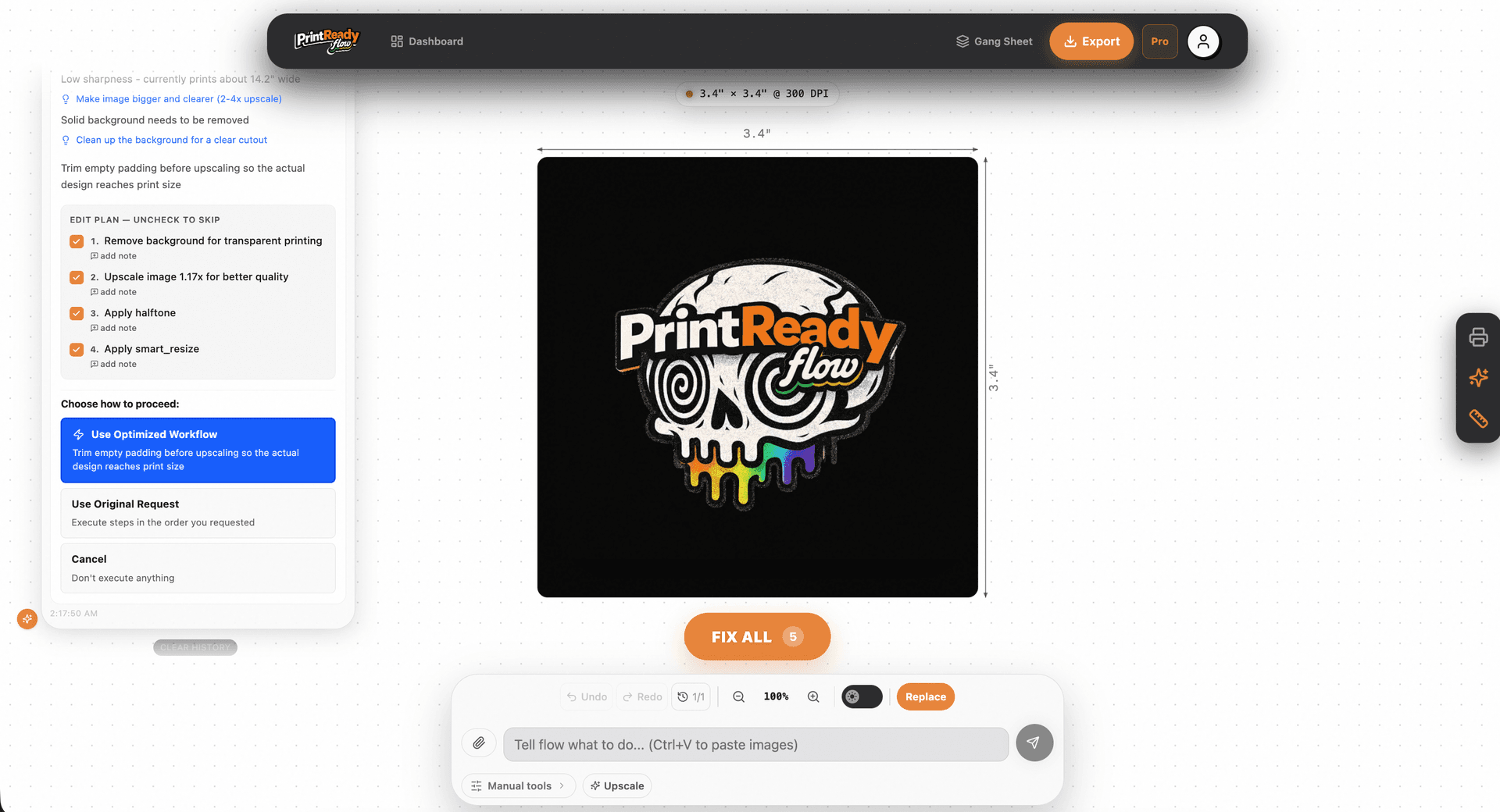


Every Print Method
DTF, DTG, screen, sublimation, HTV, embroidery — every rule, every gotcha.
Every Material
Cotton, polyester, blends, canvas, vinyl — knows what works and what doesn't.
Colors That Print True
Knows why a color looks right on screen but prints wrong, and catches it first.
Real-World Failures
Built on thousands of real orders — halos, artifacts, bleed, adhesion issues.
Keeps learning from every order
New methods, new materials, new best practices. Updated constantly.
Upload your design and FLOW will flag every issue specific to your print method and material.
See It in Actionthe files a shop receives are unusable as sent
across separate tools to fix them yourself
explained by hand, every time
PrintReady Flow catches and fixes all of this in seconds.
With PrintReady FlowEveryone loves gradients. Your printer doesn't.
Gradients, glows, and soft shadows are some of the most popular effects in Canva and Kittl. They're also responsible for more failed prints than almost anything else.
White halos around every edge
When a gradient fades to transparent, it doesn't disappear on film — it leaves a visible white ring around your design. The more gradients, the worse it is.
Fix: halftone the glow — or knock it out
Banding where it should be smooth
Subtle color transitions look smooth on screen but compress badly on DTF and DTG. What renders as a soft fade prints with visible color steps.
Fix: tuned halftone
Semi-transparent pixels everywhere
Gradient fade zones are packed with pixels at 10–50% opacity. On DTF film, they show as a hazy ring. On fabric, they blur the trim line and wreck the edge.
Fix: halftone makes every pixel solid
Caught on a real file — unscripted
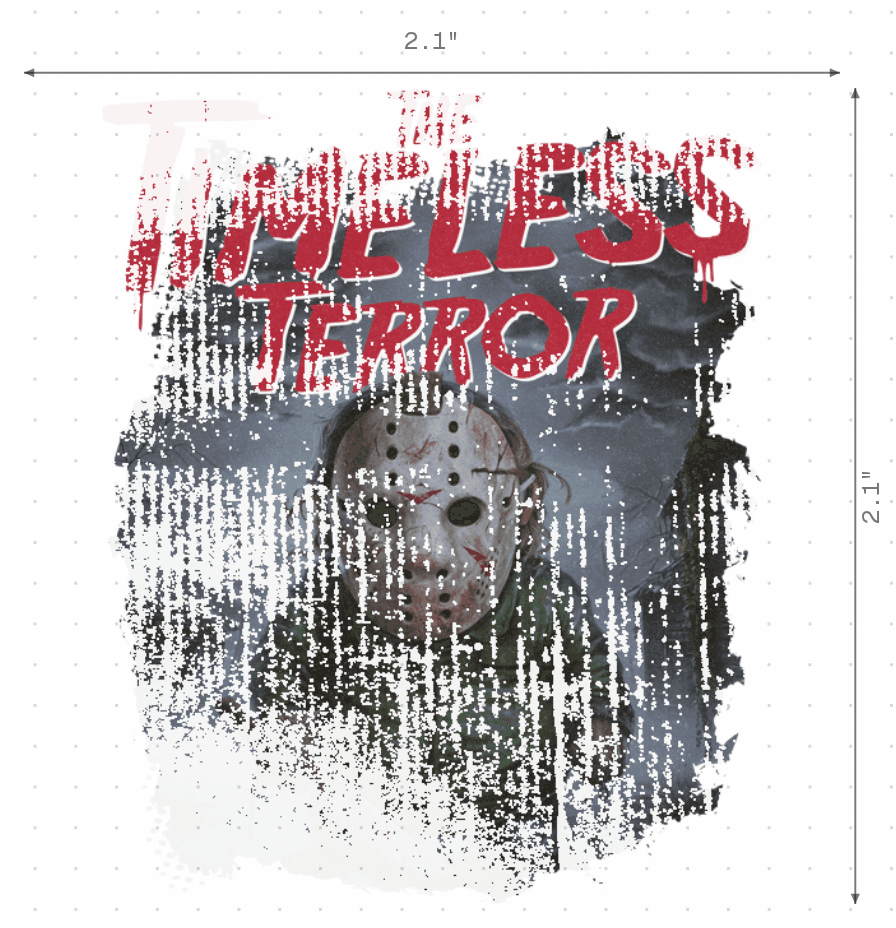
This design is too small for a 14-inch print – it'll look blurry at that size, and those smooth color fades (gradients) aren't going to print well with DTF. Plus, there are some fuzzy edges and small speckles that will show up.
The same gradient, on press — coarse to fine halftone



PrintReady Flow detects all three — and flags exactly which pixels are the problem before you send to print.
Upload & Find Out“We can't print this.”
Across thousands of orders, it's the same story. There's a background. It's low-res. It's sized wrong. The gradient will band. The fine lines will fill in. The edges are jagged. We built PrintReady Flow so that conversation never happens again.
Upload & Find Out- Background
- Low-res
- Wrong size
- Banding
- Fine lines
- Jagged edges
Free forever. Upgrade for $19/mo when you need more. See pricing →
Prepping 25 files at once? That's coming.
Upload up to 25 designs, build one fix recipe, run it across the batch, download print-ready files. Join the waitlist and we'll tell you the moment it opens.
You made something great. Now make it print-ready.
Drop your file. Know in seconds if it's ready.


No credit card · No signup · Check in seconds